Rewrite
Rephrase a line or a paragraph into something clearer and sharper. You get three drafts to browse, not one.
can u send me the file when u get a sec → Could you send me the file when you have a moment?
Twelve actions · 100% on-device
Select text in any field and a small toolbar appears — rewrite, proofread, translate, change the tone, or just ask for what you want. It runs on Chrome's built-in on-device AI, so your words never leave your device.
Rewrite
Twelve actions, zero context-switching
One toolbar handles the whole edit — no copying into another tab, no sidebar to babysit. The same toolbar turns anything on the page into a summary, a list, or a table.
Write & edit
Rephrase a line or a paragraph into something clearer and sharper. You get three drafts to browse, not one.
can u send me the file when u get a sec → Could you send me the file when you have a moment?
Grammar, spelling and punctuation — with every correction highlighted, so you see exactly what changed before you accept it. On demand only: no underlines, no nagging as you type.
their → there · shoud → should
Turn a quick note into a full, well-formed paragraph.
ship date slipped, sorry → a complete, considerate update with the new date and next steps.
Cut the fluff while keeping your meaning intact.
I just wanted to quickly reach out and check… → Quick check-in:
Switch between five tones in one tap — and swap again straight from the result.
ProfessionalCasualFriendlyPersuasiveFormal
WritePair detects the language you wrote in and translates on device. Each language pair downloads once, then works offline.
English → Español
Type any instruction and get it back. Pin the ones you repeat as one-click custom actions.
“make this a LinkedIn post” · “reply politely but firmly”
Start from an empty field and a one-line brief — WritePair drafts it, at the length and tone you pick.
ShortMediumLong
Read & understand
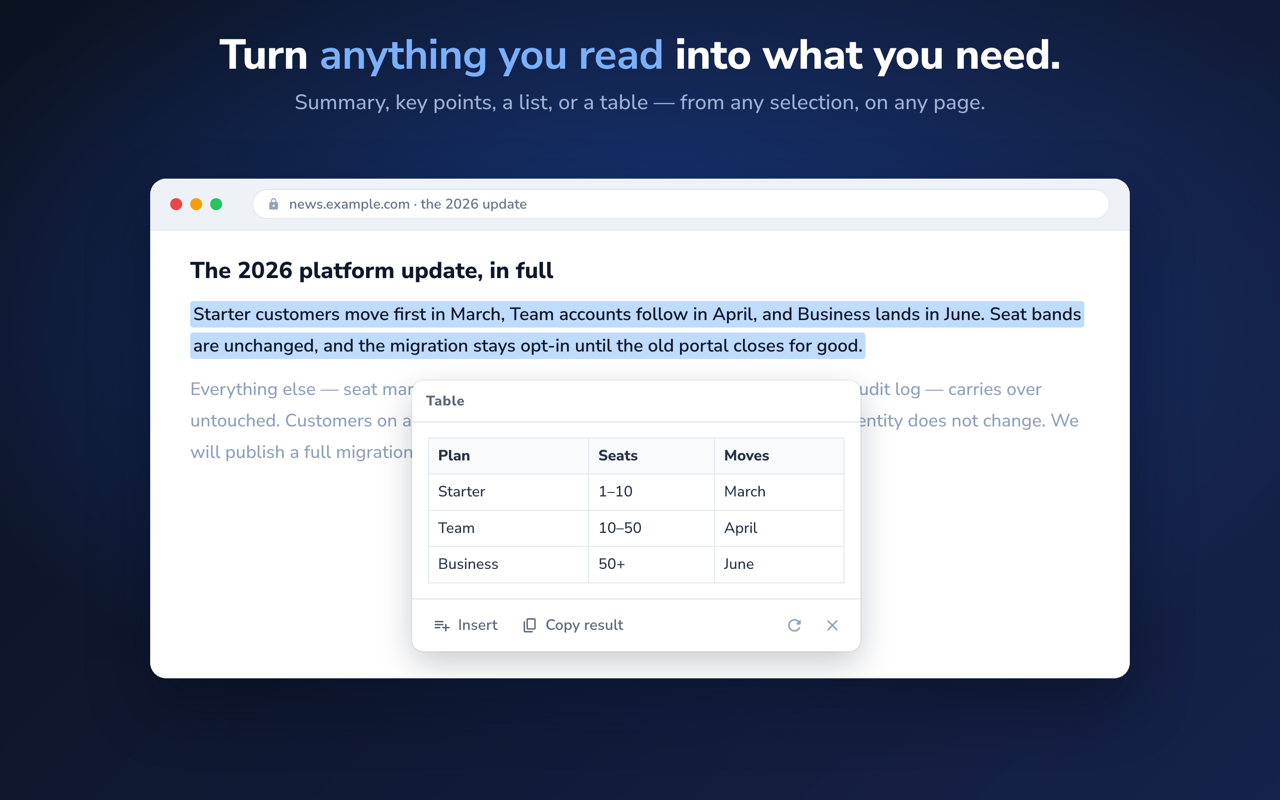
A plain TL;DR of anything you select.
The argument, as bullets.
A faithful list of what the text actually says — nothing distilled away.
Messy prose turned into a real table.
Reading mode
Select text on any page — an article, a spec, someone else's long message — and WritePair will summarize it, pull the key points, restructure it as a list, or turn it into a table. There's nothing to write back to, so it just copies. It's the same toolbar you already know, minus the buttons that don't apply.
Two layouts
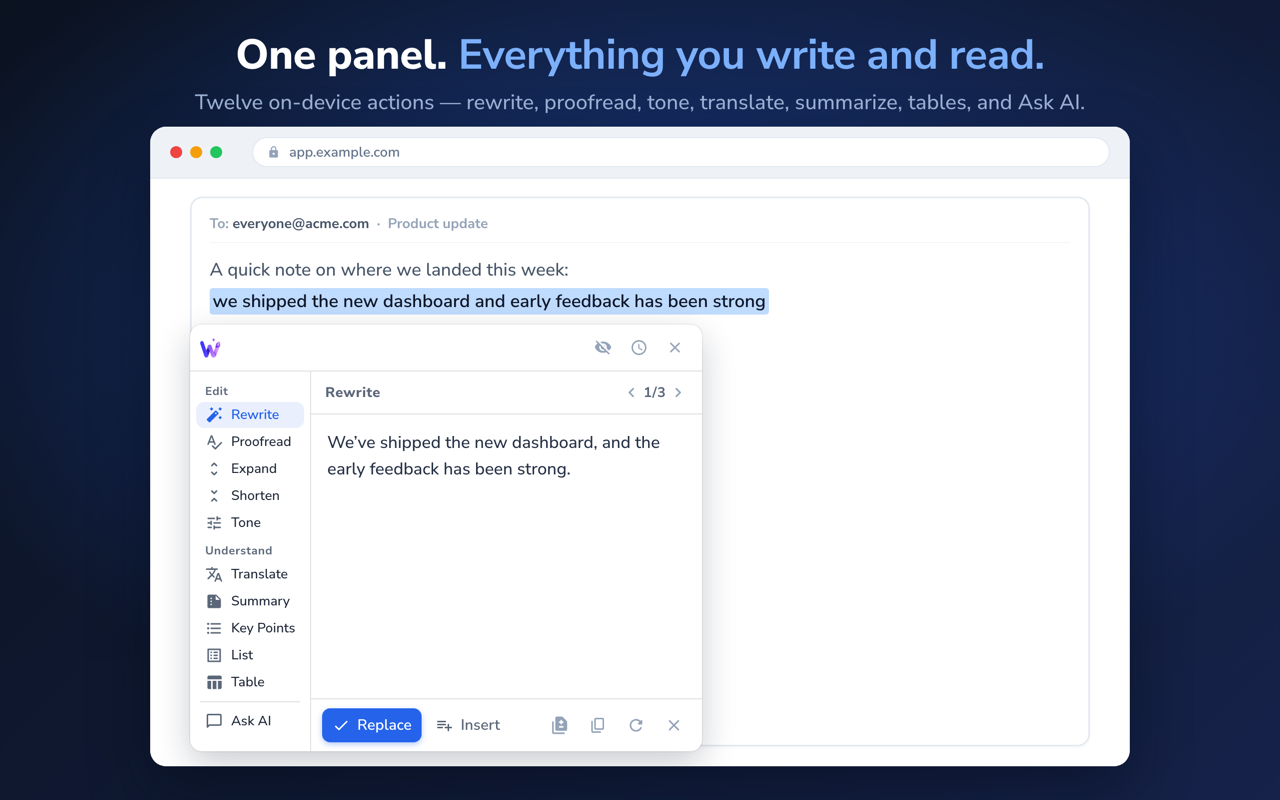
Keep the compact bar under your selection, or switch to a command panel with every action in one place, grouped into Edit and Understand. Either way you can set your own keyboard shortcut for every action, or reach them from the right-click menu.
Email replies
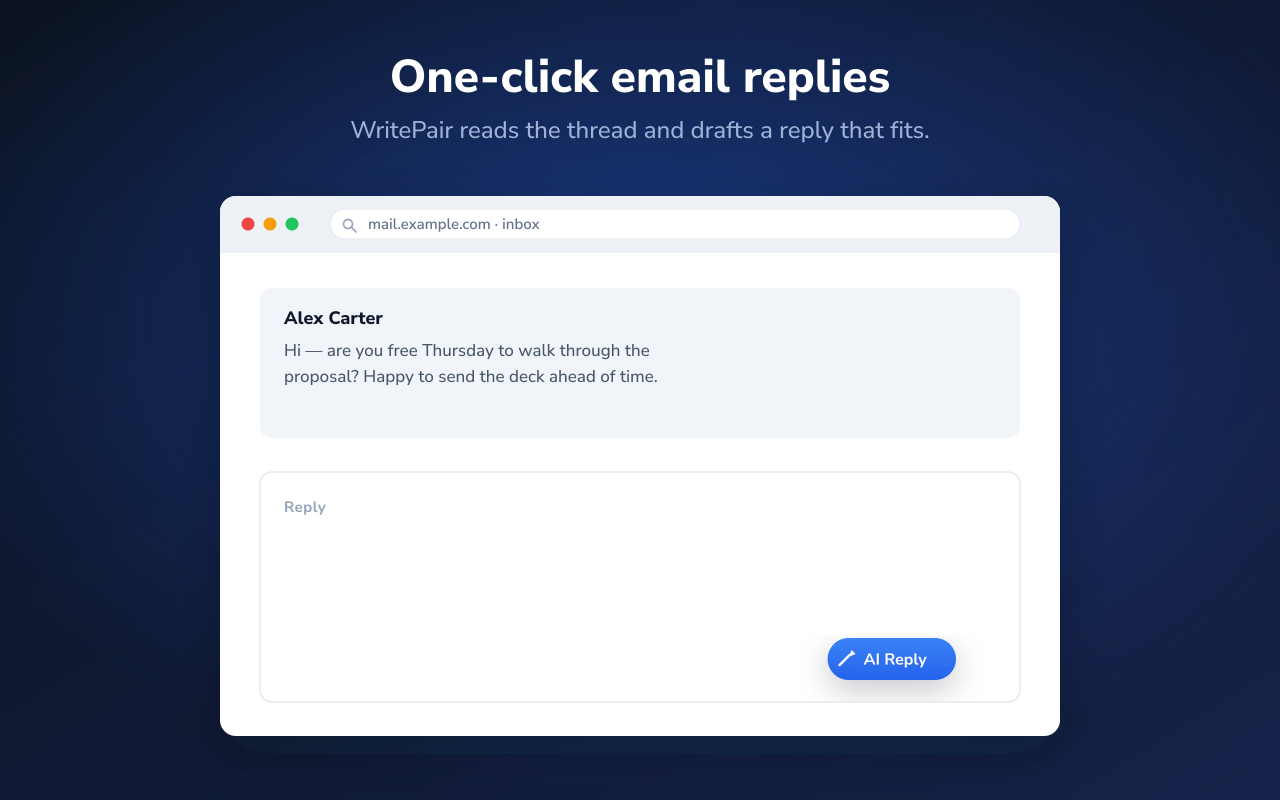
On Gmail and other webmail, the AI Reply button writes a response that understands the conversation — read on your device, never uploaded. You preview, then send.
Works where you write
Plain inputs, rich editors, even fields tucked inside iframes and shadow DOM. WritePair inserts text through each site's own editing pipeline, so native undo keeps working.
And it speaks your language, too — the interface, independently of what you write in.
EnglishTürkçeEspañolPortuguêsDeutschFrançais
The popup
One screen that tells you where WritePair stands on this page — and lets you run any action on what you've selected, without ever touching the toolbar.
The whole toolbar, from one button
The popup offers exactly the actions that fit what you selected — the edits when you're in a text field, and Translate, Summary, Key Points, List or Table when you're only reading. One click runs it on the page, and the result lands in the same card the toolbar would have shown. Ask AI is here too, with the instructions you pinned or used last.
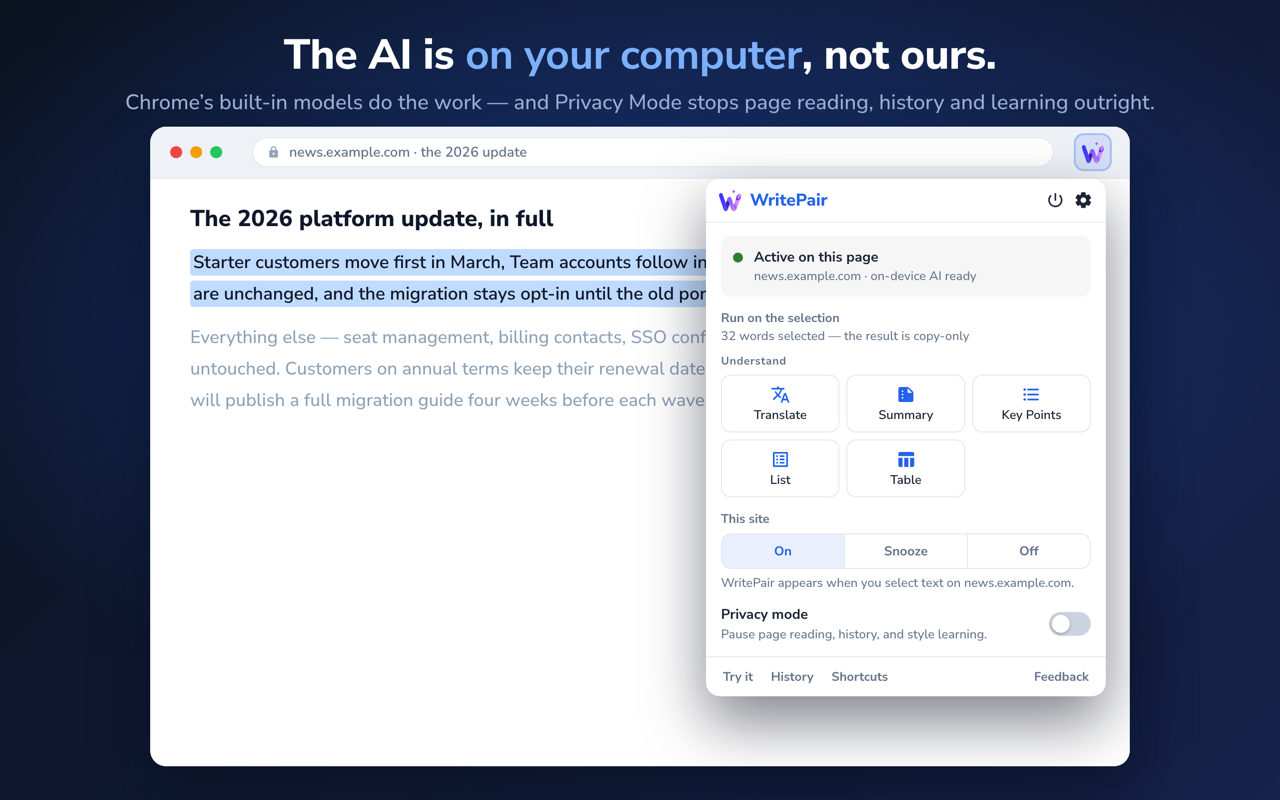
Per site, or just for this tab. Privacy Mode sits beside it: no page reading, no history, no style learning.
Try any action on sample text, without touching a real page.
Your own keyboard shortcut for every action, and the suggestions you accepted — kept on your device, cleared whenever you like.
As you accept suggestions, WritePair adapts to how you write — learned on your device, in Settings, and only if you allow it.
Private by design
Every action runs on Chrome's built-in, on-device AI. The part of WritePair that lives on the pages where you type has no network path out — that isn't a policy promise, it's how it's built.
Runs on Chrome's built-in Gemini Nano models. No cloud round-trip, no server to send your text to.
Your drafts, your selections, the page around you and your email threads are never uploaded to be processed.
The model runs on your machine, so there's nothing to meter. No account, no API key, no usage limits.
A small operational layer handles non-content data only: an anonymous id, and diagnostics that are on by default and off in one tap. It never carries the words you write. Read the full policy →
How it works
Highlight any text — in a field you're writing, or an article you're only reading.
Pick an action from the toolbar, press your shortcut, right-click, or open the popup.
It streams in, inline. Browse three drafts. Nothing has changed yet.
Swap it in, insert it below, or copy it. One Undo puts it back.

Works in recent versions of Chrome with built-in AI, on Windows, macOS 13+, Linux and ChromeOS. On first use Chrome downloads the on-device model once — after that it works offline. See the requirements →